Get everyone to the same page.
House details, arrival times, the daily schedule and who is coming. A countdown and planning counts make the loose ends easy to see.
Family Trip Portal · Free & open source
A shared home for the dates, dinners, packing and memories. I built this for my own trips. Here is the complete starter, with an invented crew you can explore.
No account to browse · Local demo download · No AI subscription
House details, arrival times, the daily schedule and who is coming. A countdown and planning counts make the loose ends easy to see.
Cooking teams, menus, dietary notes and a categorized packing list with quantities and assignments. The organizer keeps it current by editing the trip files.
A local guide and a full tide-planning page, with day-by-day charts, sun markers and configurable activity windows. Real data downloads are optional.
Photos, local videos, album links, traditions and an expandable trip timeline. Earlier meal plans are there when someone needs inspiration.
Try it before installing
The cottage is imaginary. So are the crew, the kite workshop and the lantern story circle. Two complete trip years show how the portal works, including unassigned meals and tentative plans.
Change a tide-chart day, open a memory, play the silent sample video or look through the packing list. The example is a full working portal.
Made to be adapted
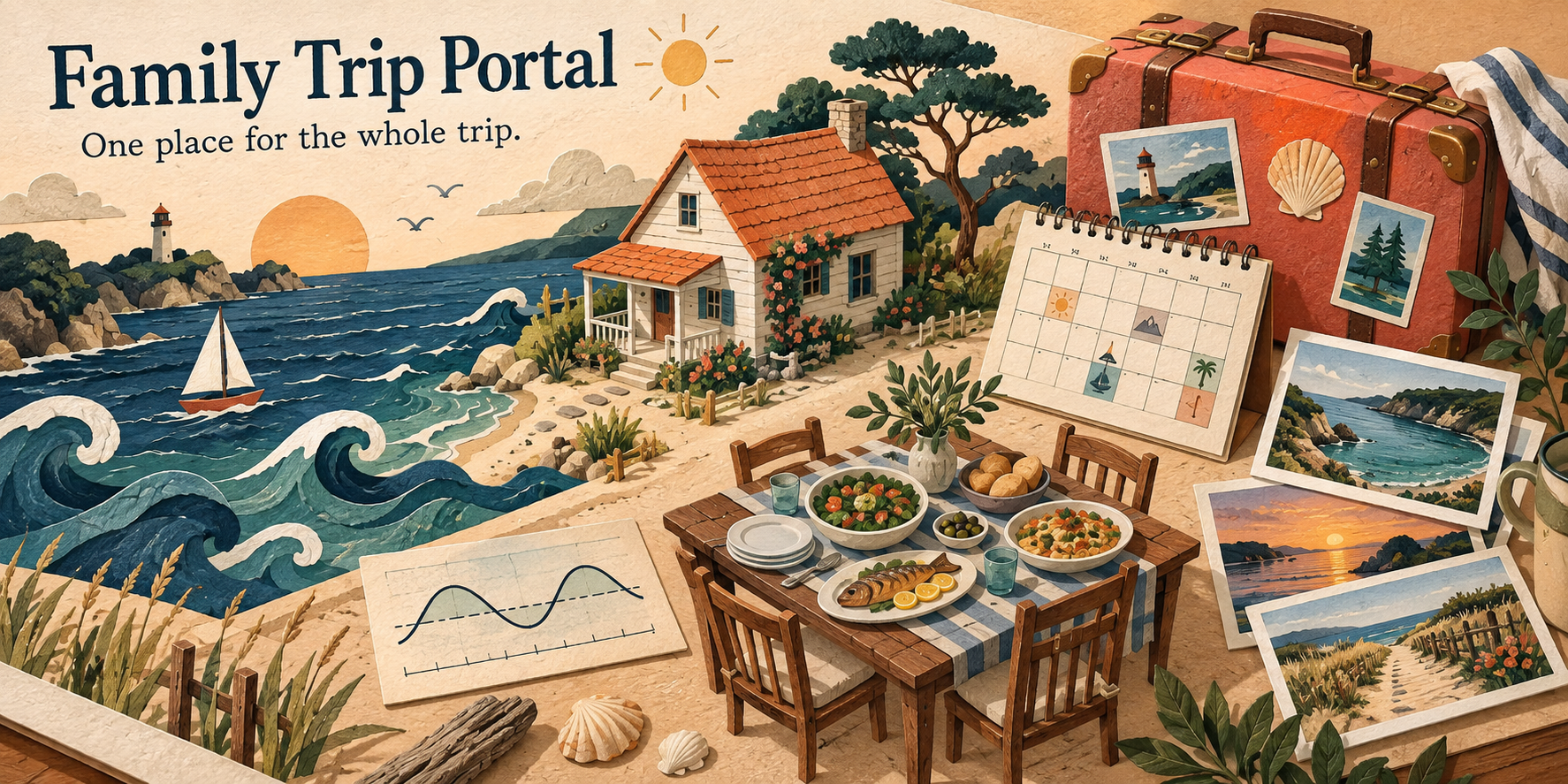
Keep the ocean-and-sand design or change it. Add another year, replace the examples and use the pieces that help your group.
This is an organizer-edited website. It does not include guest accounts or live shared editing. Tide windows describe preferences, not safe water or current conditions.
From a link to your own copy
You can explore the online example immediately. To run it on your computer, install one small program, download a ZIP and open its launcher.
A personal project, shared
I built this for me and my personal use. Make it your own, and feel free to improve mine. Hopefully it gives you a useful starting point, or at the very least some ideas. Cheers!
The original code and examples use the permissive MIT license. The bundled fonts keep their open font licenses. Third-party notices and the MIT license are included. The repository includes the complete source, design notes, templates, tests and an optional AI helper skill.
Keep real trips private. The starter has no login gate. Publishing its files makes their contents public. Use local or access-controlled hosting for personal contacts and family media.