Jesse Maddox All projects

Spoiler Alert for Android

Skip the commercials.
Not the suspense.

I usually start games late, fast-forward the commercials, and catch up near the end. Spoiler Alert keeps texts and alerts from telling me what happened before I get there.

Download for Android Version 3.10.2
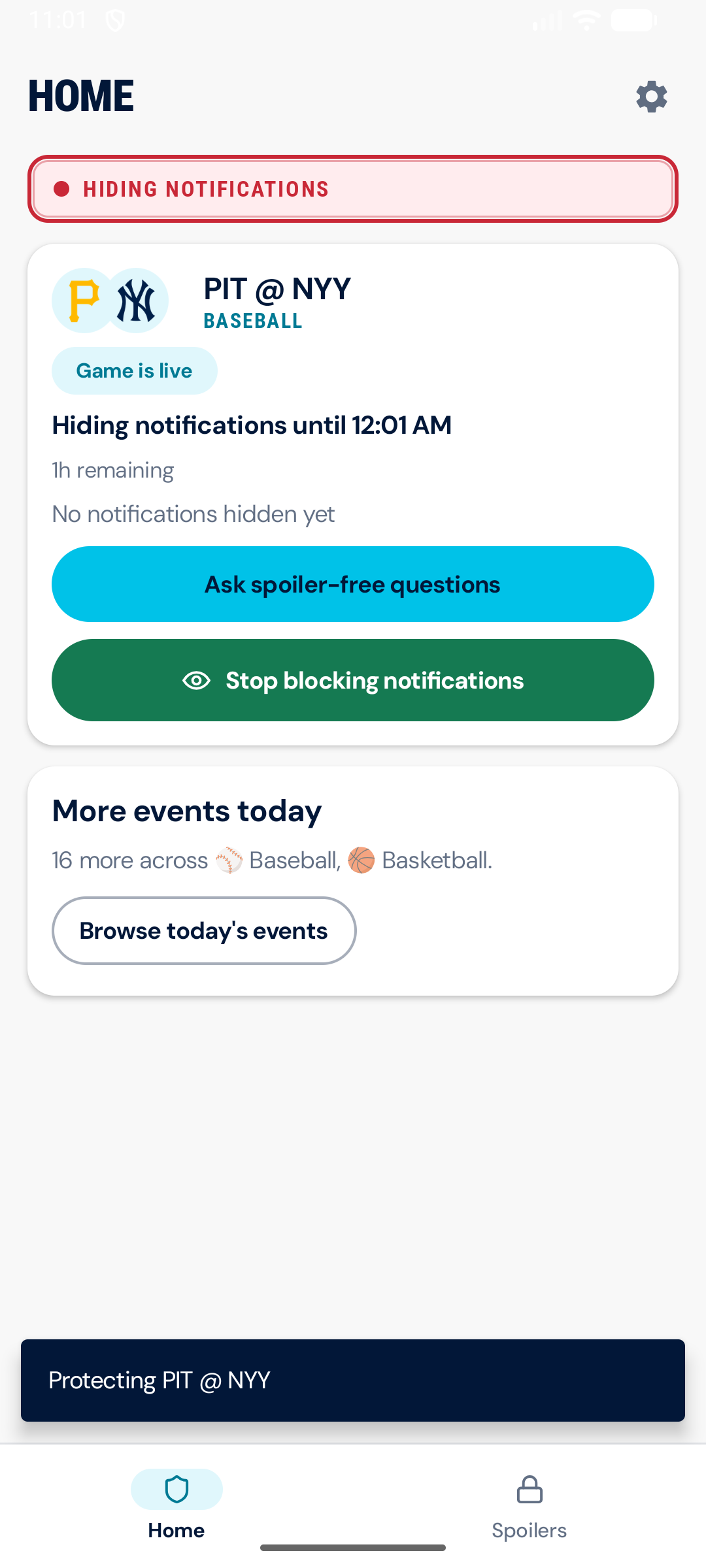
Spoiler Alert actively hiding notifications for a live baseball game

Why I made it

Starting late is the good part.

With three kids, I am rarely going to spend three and a half uninterrupted hours watching a Falcons game on Sunday. I do not really want to. If I start the recording an hour or two late, I can skip the commercials and catch up around the end.

That arrangement is excellent until ESPN, another app, or a friend tells me what happened before I get there. Do Not Disturb can make the phone quieter. It cannot make an incoming message less specific.

What it does

It handles three things.

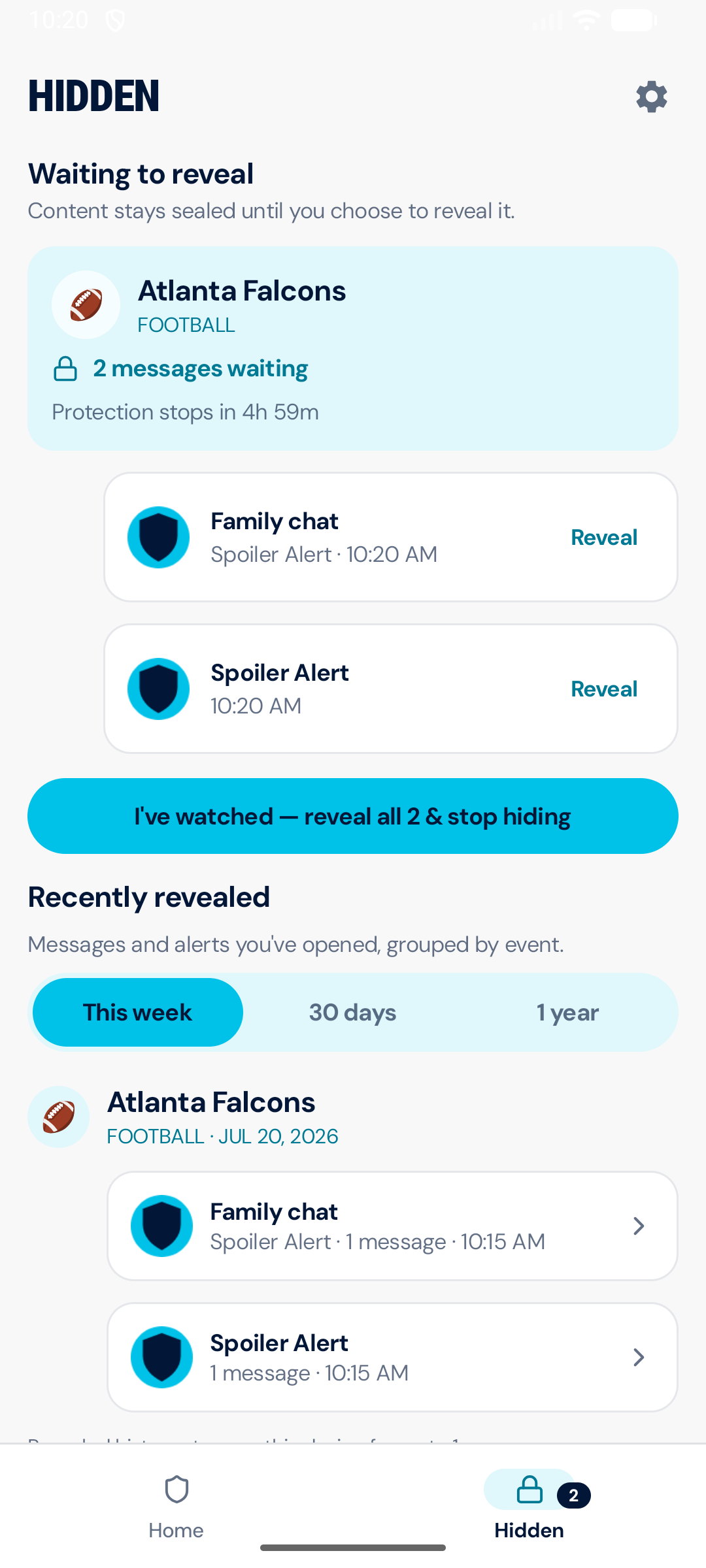
Messages held in Spoiler Alert while protection is active

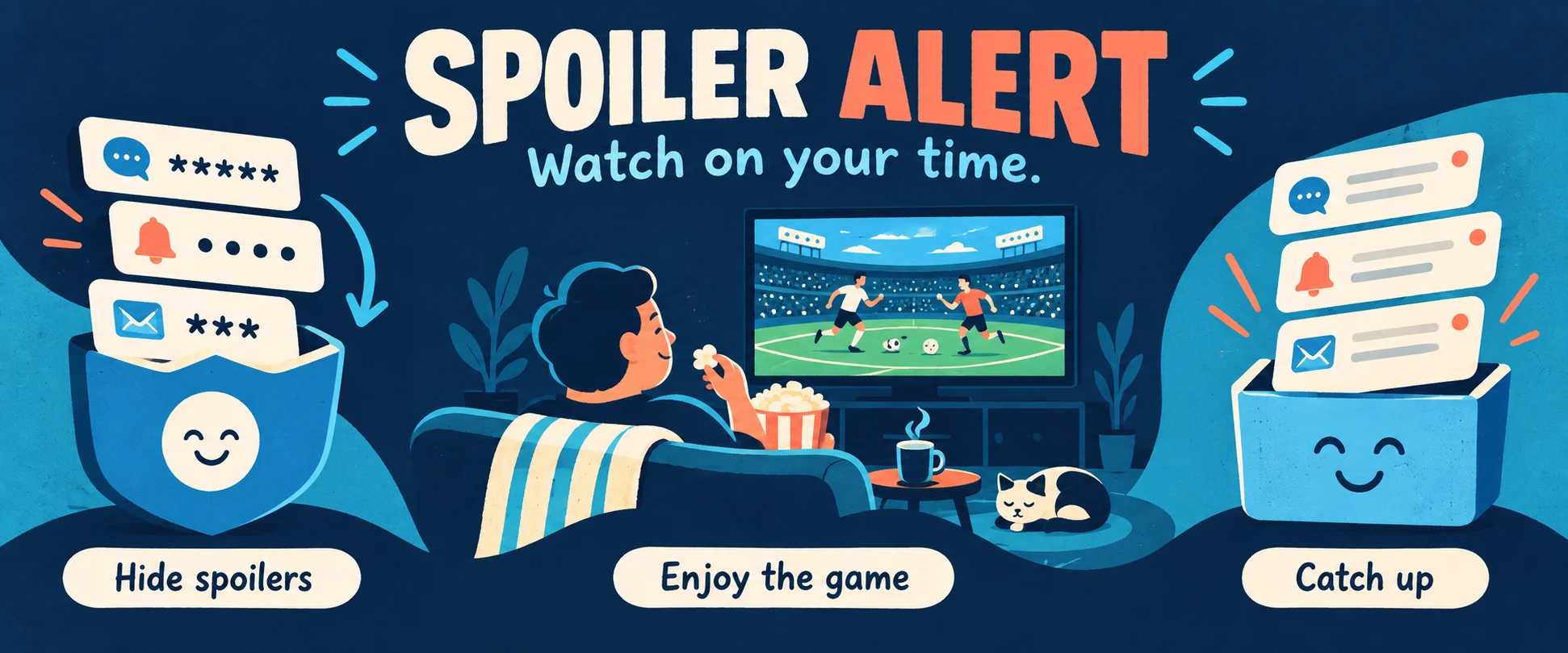
Hide spoilers

Let the group chat talk.

Matching alerts and messages are held on your phone until you choose to reveal them. Nothing is deleted, and the private content never leaves the device.

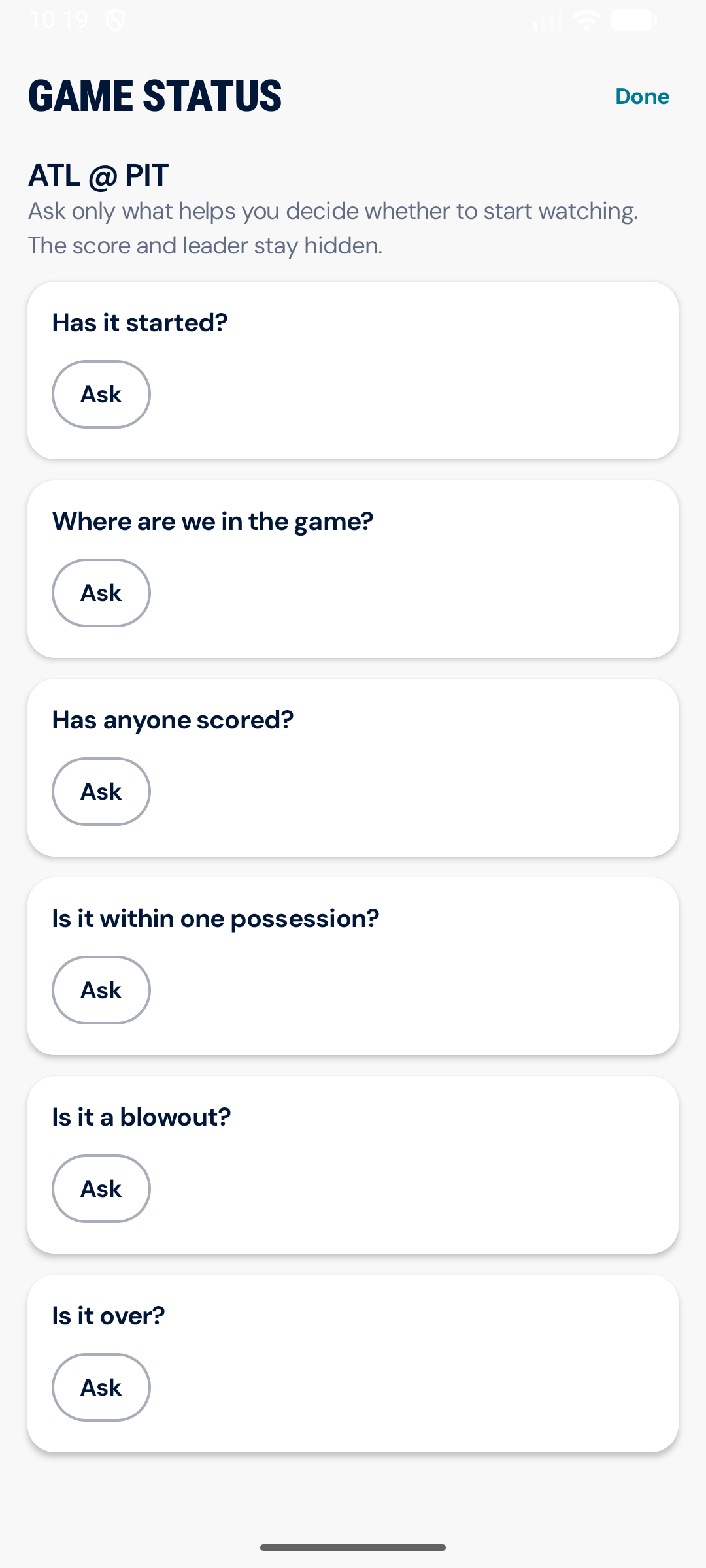
Spoiler-safe game status questions that do not show the score or leader

Check the game

Ask, but not too much.

The app can tell you whether the game started, how far along it is, or whether it is close. It knows the exact score. It has been instructed not to gossip.

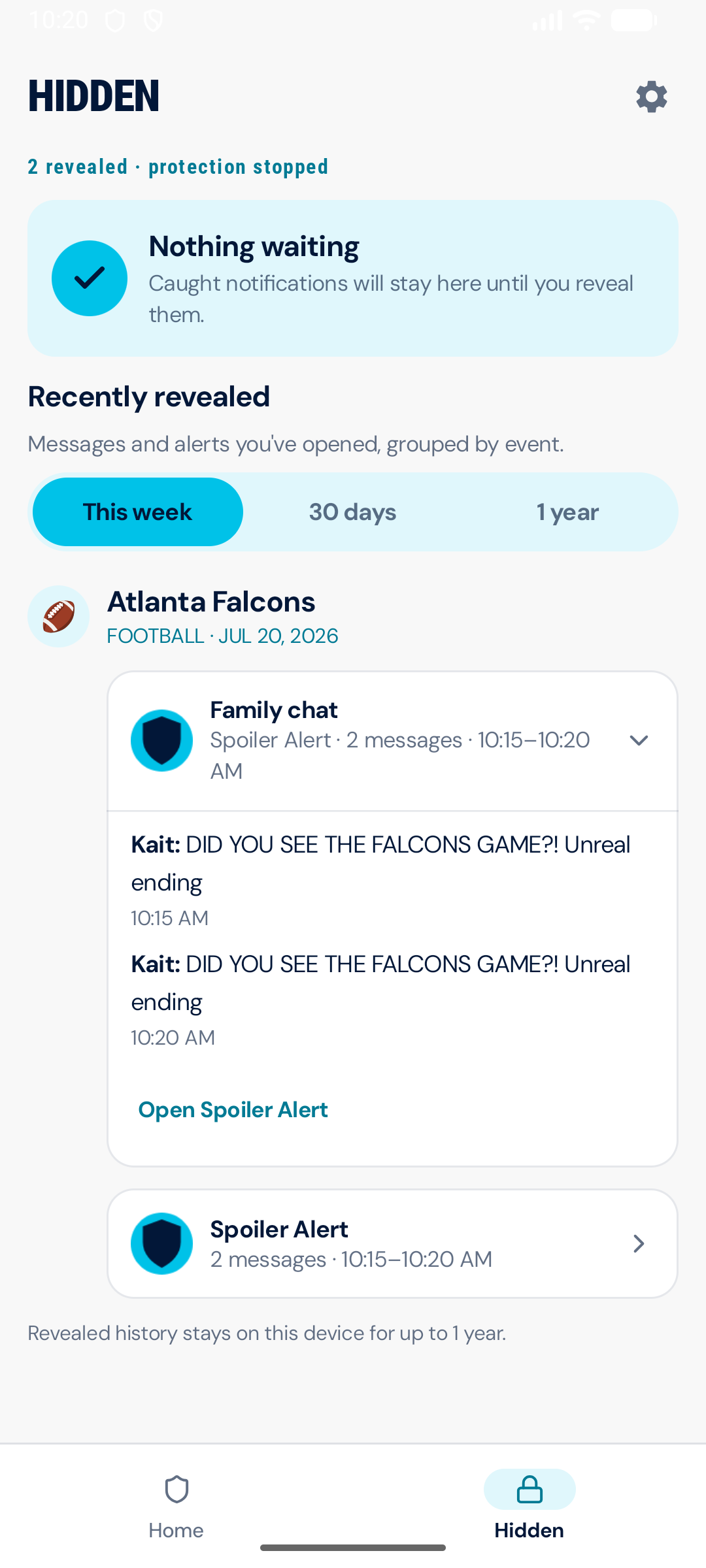
Revealed messages grouped by game after protection has stopped

Catch up

Read everything when you are ready.

Reveal one message if you must, or open everything after you finish watching. The app groups the missed conversation by game and keeps it in order.

A few notes from making it

The simple version worked quickly.

The careful version took longer.

Things that were surprisingly difficult

  • Answering useful questions about a game without answering the important one
  • Handling delays, overtime, shifting schedules, and protection that needs to run long
  • Letting a timer stop protection without revealing anything automatically
  • Dealing with a notification that matches more than one active team or event
  • Asking for Android notification access without sounding like a minor criminal
  • Keeping public game lookups completely separate from private message content

Things I think it gets right

  • Hidden notification content stays on the phone
  • Nothing is revealed until the person using it makes that choice
  • Game-status answers are deterministic and deliberately limited
  • The app makes it obvious when protection is running
  • The whole loop works, from choosing a game to reading everything afterward
  • The interface feels calm even when the Android plumbing is not

How it protects you

Your messages are nobody's business.

Spoiler Alert works by reading notifications, which is exactly the kind of permission that deserves an explanation. Everything that permission touches stays on the phone: matching alerts are held locally, revealed locally, and never uploaded anywhere. There is no account, and no server somewhere holding your messages.

The only thing the app fetches from the internet is public information, schedules and game status, and that lookup carries nothing about you or your messages along with it.

Android download

Try it on a game you have not watched yet.

Notification content stays on your phone. The app only uses the internet for public schedules and game status.

Download for Android Version 3.10.2

A Google Play closed test is in the works, so future updates can arrive on their own. If you want in when it opens, send a note through the contact form.

Install, update, and checksum details

Install or update

  1. Download the APK on your Android phone.
  2. Open the downloaded file and choose Update or Install.
  3. If Android asks, allow installs from your browser for this installation.

This release uses the same Spoiler Alert developer signature as the previous direct-install build, so it can update that app without replacing your data.

Updating an early test build? If Android says the app conflicts with the installed version, use the one-time signing migration. It preserves your app data and moves that early build onto the production signing key.

SHA-256
127e998e4dcc3b34e14bb90a2c15f6bd26f1acf386f445def3463f43fc4ad79d