Start with a proper list.
Keep a reusable catalog, choose trip tags, add your own items and decide who packs what. The morning-of-departure block puts the easy-to-forget things where you can see them.
Travel Planning Kit · Free & open source
A packing list you can actually use. A plan everyone can follow. A rental comparison that keeps the photos, the numbers and the reasons together.
No account · No AI subscription · Offline documents
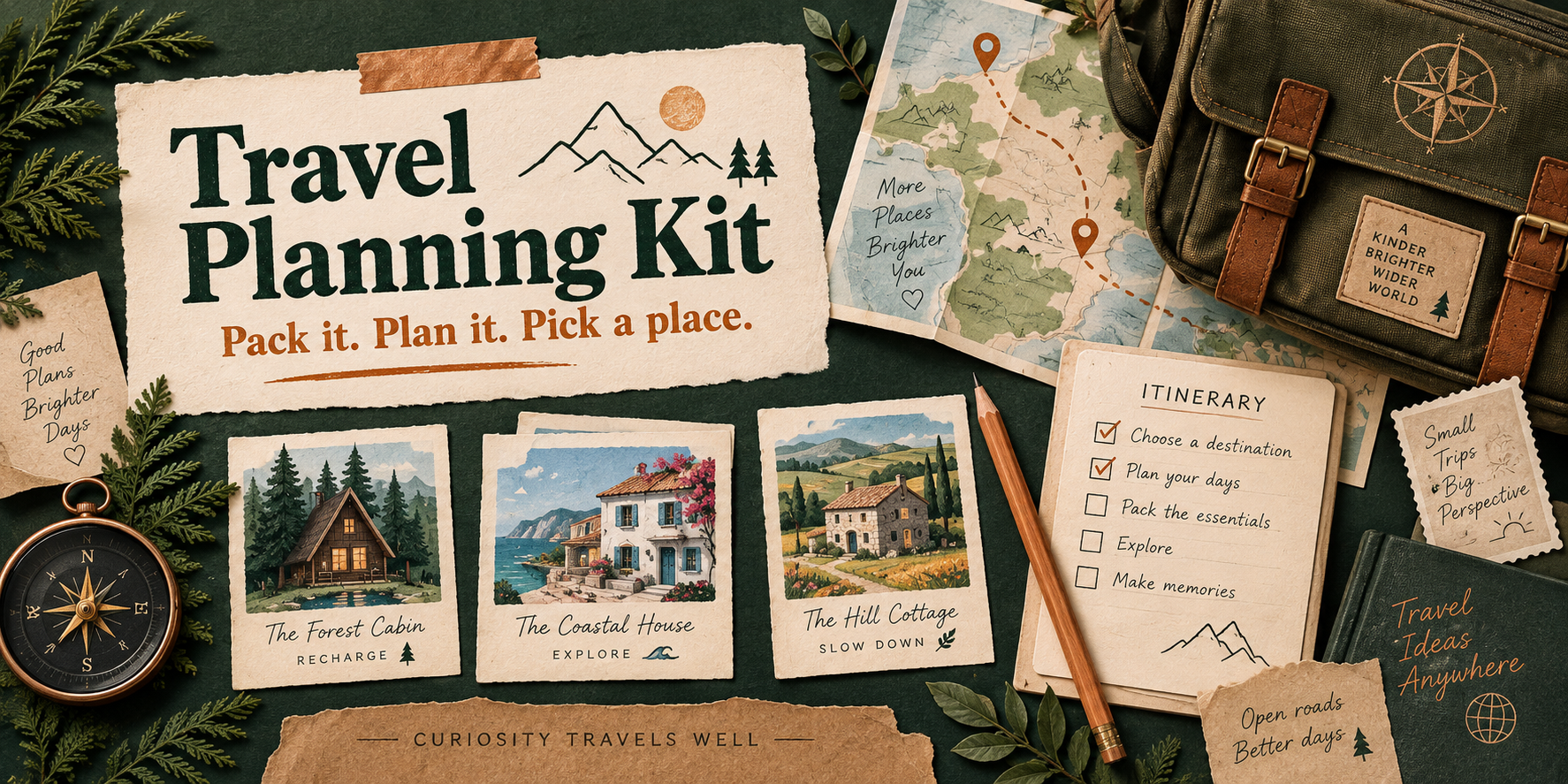
Keep a reusable catalog, choose trip tags, add your own items and decide who packs what. The morning-of-departure block puts the easy-to-forget things where you can see them.
Day plans and weather backups sit alongside open decisions, owners, preferences and source notes. Afterward, keep what worked for the next trip.
Photo galleries, sleeping arrangements, practical details and complete quotes. Keep the shortlist, alternatives and reasons for ruling something out.
All 22 comparison fields stay available. Exact totals split down to the cent; estimates remain estimates. The print version groups the table into readable landscape pages.
From a link to your own trip
The examples open in a browser with no setup. The full kit adds a local editor with ordinary form fields. It needs a desktop computer and Python 3.11 or newer, a free program that runs the kit.
Your plans stay yours
The editor runs on your computer. It has no account, cloud save or analytics. Ordinary editing and document generation make no outside requests. Changes stay in the tab until you download a saved copy.
Local images embed into the gallery; external images remain links. Optional photo-fetching commands use URLs you choose. The kit keeps dated quotes and uncertainty visible, but does not check live availability or make bookings.
Your own saved files can contain personal details and photos. Keep them private until you choose to share them. The hosted examples contain only invented information.
Built for me. Yours to adapt.
I built this for me and my personal use. Make it your own, and feel free to improve mine. Hopefully it gives you a useful starting point, or at the very least some ideas. Cheers!
The complete tools, layouts, research templates, design notes, tests and an optional assistant skill are on GitHub. Running the kit uses no AI tokens. This page’s examples come from the same pinned public release.
The MIT license lets you use, change, share or sell your version, keeping the notice. Your own data stays yours; third-party photos keep their original rights.