01 · Gather
Find what belongs.
Start with a handful of pictures or a larger Google Photos export. Search your local catalog, look through numbered contact sheets and save the photos you want to use.
Photo Book Workshop · Free & open source
A pile of pictures can become a book you actually finish. Find the good ones, arrange a few pages, compare captions and make a proof you can look through together. I built this for my own use, and you can make it yours.
Invented example included · No account or AI subscription needed · Mac, Windows and Linux
01 · Gather
Start with a handful of pictures or a larger Google Photos export. Search your local catalog, look through numbered contact sheets and save the photos you want to use.
02 · Choose
Compare caption options beside the pictures. Pick one, leave a note, or keep looking. Your choices save locally, and competing edits stay visible for you to resolve.
03 · Create
Arrange a mosaic or compose your own rows. Build a PDF, browser pages and printable review sheets. Check each crop, word and page before sending anything to a printer.
See the result first
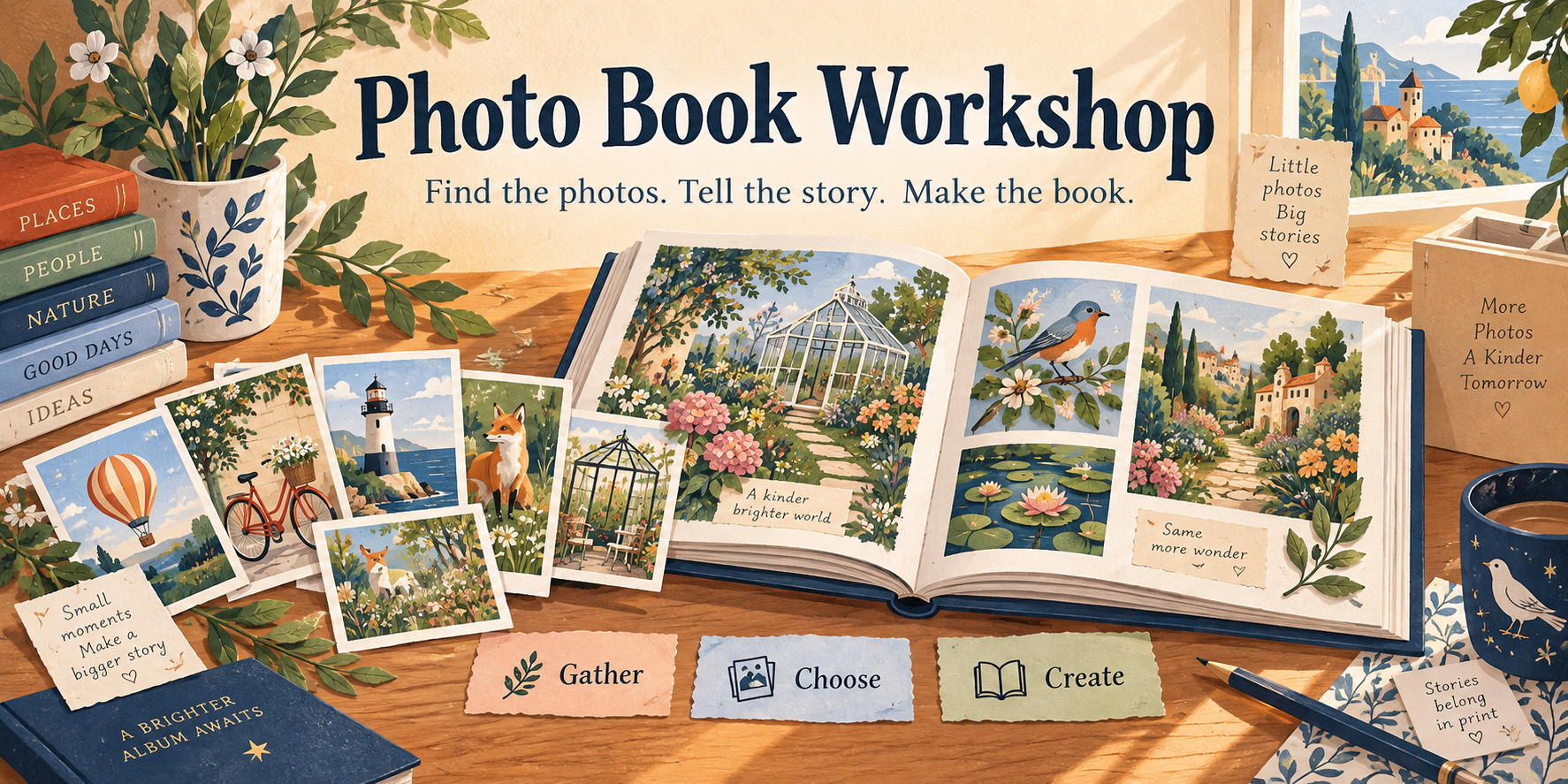
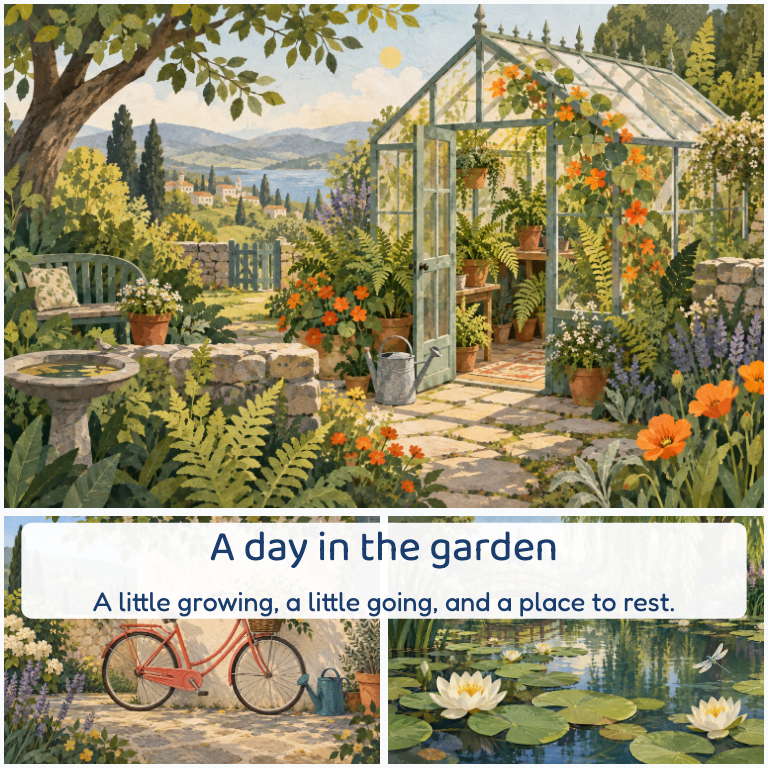
The example includes a greenhouse, a balloon, a lighthouse, a bicycle, a fox and a pond. It takes them through the whole process, from a pretend photo export to a five-page book and alternate cover ideas.
Try a different caption, add a note and click Make proof. Each new build gets its own folder, so the previous copy remains available.
Open the sample PDF, no installation needed →
This is an actual page made by the toolkit. The sample art and story were invented specifically for the public example.
A copy you can keep
GitHub hosts the download and source code. You do not need an account there, and you can try the whole example without supplying any photos.
Built for personal use, shared freely
Make it your own, and feel free to improve mine. Hopefully it gives you a useful starting point, or at the very least some ideas. Cheers!
The catalog, selection tools, layout algorithms, caption-review app, proof builders, design notes and assistant skill are included. The MIT license lets you use, change, share and sell the code, keeping its short notice. Bundled fonts keep their open font licenses.
Your own book needs an editable page plan. This is a toolkit and local review app, with an own-photos guide to help you adapt it. An AI assistant can help write the plan, but you can use the ordinary workflow without one.
AI captions are optional and require explicit setup and upload consent. Keep personal catalogs, photos and notes private. Proofs need visual review and your printer’s current specifications before ordering.