01 · Map
See what gets watered.
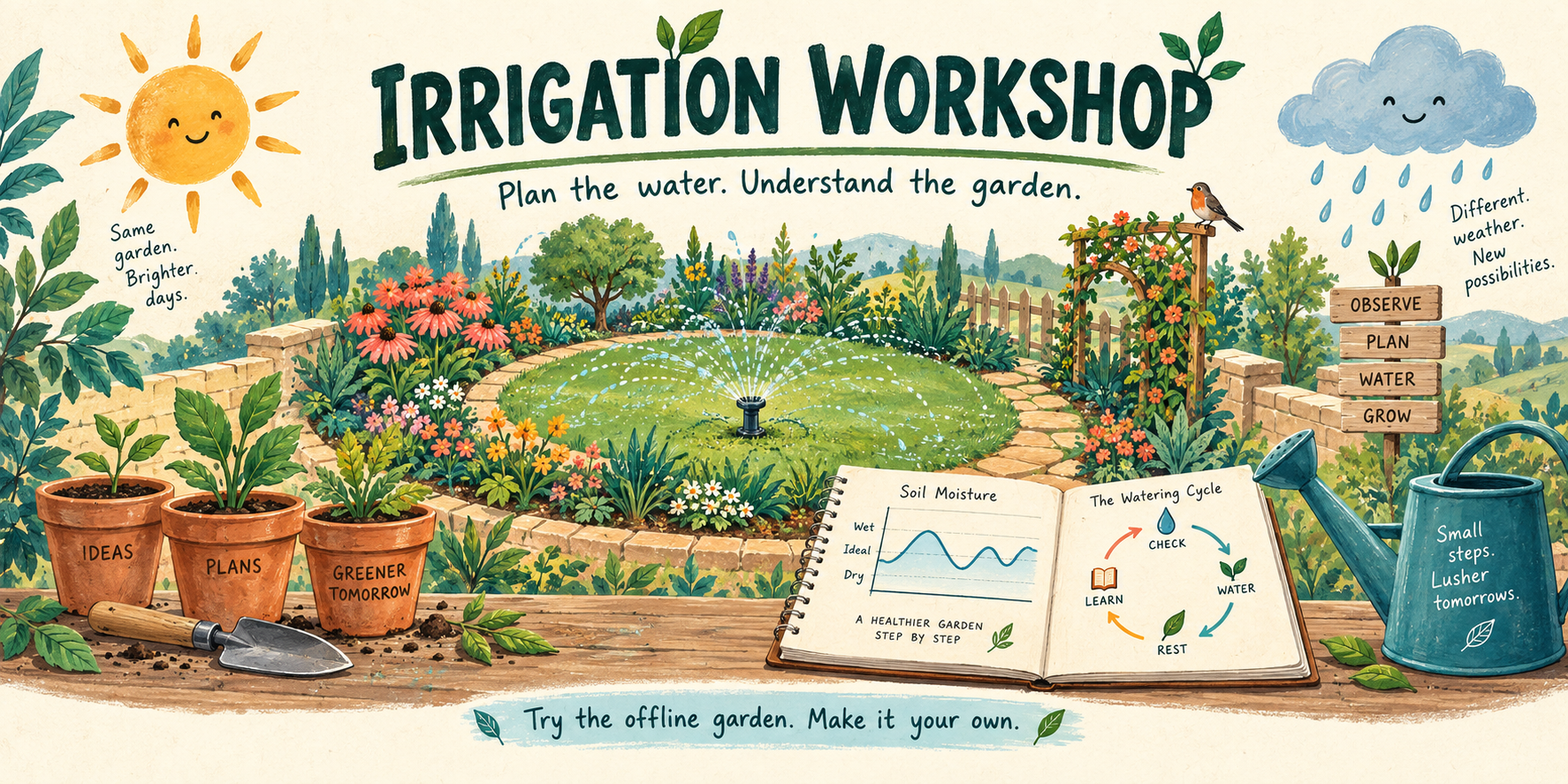
Place sprinkler heads, adjust their coverage and save a map you can come back to. Keep planting, bloom, harvest and maintenance notes beside the plan.
Irrigation Workshop · Free & open source
A garden notebook that can explain when to water, when to wait, and why. Map your sprinklers, keep planting notes and follow the weather and soil model in one place. I built this for my own use, and you can make it yours.
Invented garden included · No controller or account needed to try it · Mac, Windows and Linux
01 · Map
Place sprinkler heads, adjust their coverage and save a map you can come back to. Keep planting, bloom, harvest and maintenance notes beside the plan.
02 · Plan
Follow rain, evaporation and an estimated soil-water balance. See how seasons, plant needs, allowed days and daily limits change a watering decision.
03 · Operate
The optional Rain Bird connection includes cycle-and-soak timing, guarded starts, health checks, private backups and recovery tools. Design notes and an assistant skill help you adapt it.
Look around first
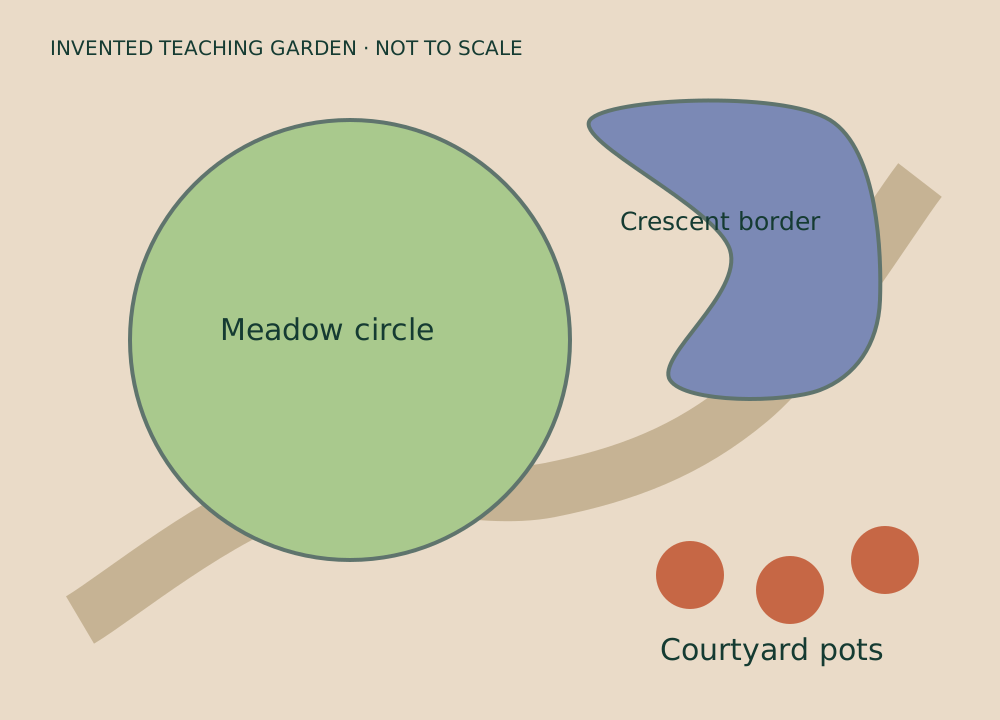
A meadow circle, a crescent border and a few courtyard pots give you something to explore. The read-only notebook shows the map, weather and model without installing anything.
This is actual output from the toolkit. Its fixed example clock and invented weather explain the dated entries. The downloadable app adds map editing, a journal and operating tools.
A copy you can keep
GitHub hosts the download and source code. You do not need an account there. The example runs on your computer and cannot operate your sprinklers.
Built for personal use, shared freely
Make it your own, and feel free to improve mine. Hopefully it gives you a useful starting point, or at the very least some ideas. Cheers!
The full model, controller adapter, map, journal, diagram tools, operating templates, design notes and assistant skill are included. The MIT license lets you use, change, share and sell the code, keeping its short notice. Fonts and live weather data keep their own terms.
The model estimates soil moisture and water from timers and calibration. It does not measure moisture or flow. Connecting real equipment is a separate setup that needs your own hardware checks, watering rules and calibration. The release is verified with simulated devices and invented data.