A quick look. A little count.
Spot the ladybugs before the cover comes down. Start with simple patterns, then try scattered groups and clusters up to six. Look again whenever you need.
Early Learning Garden · Free & open source
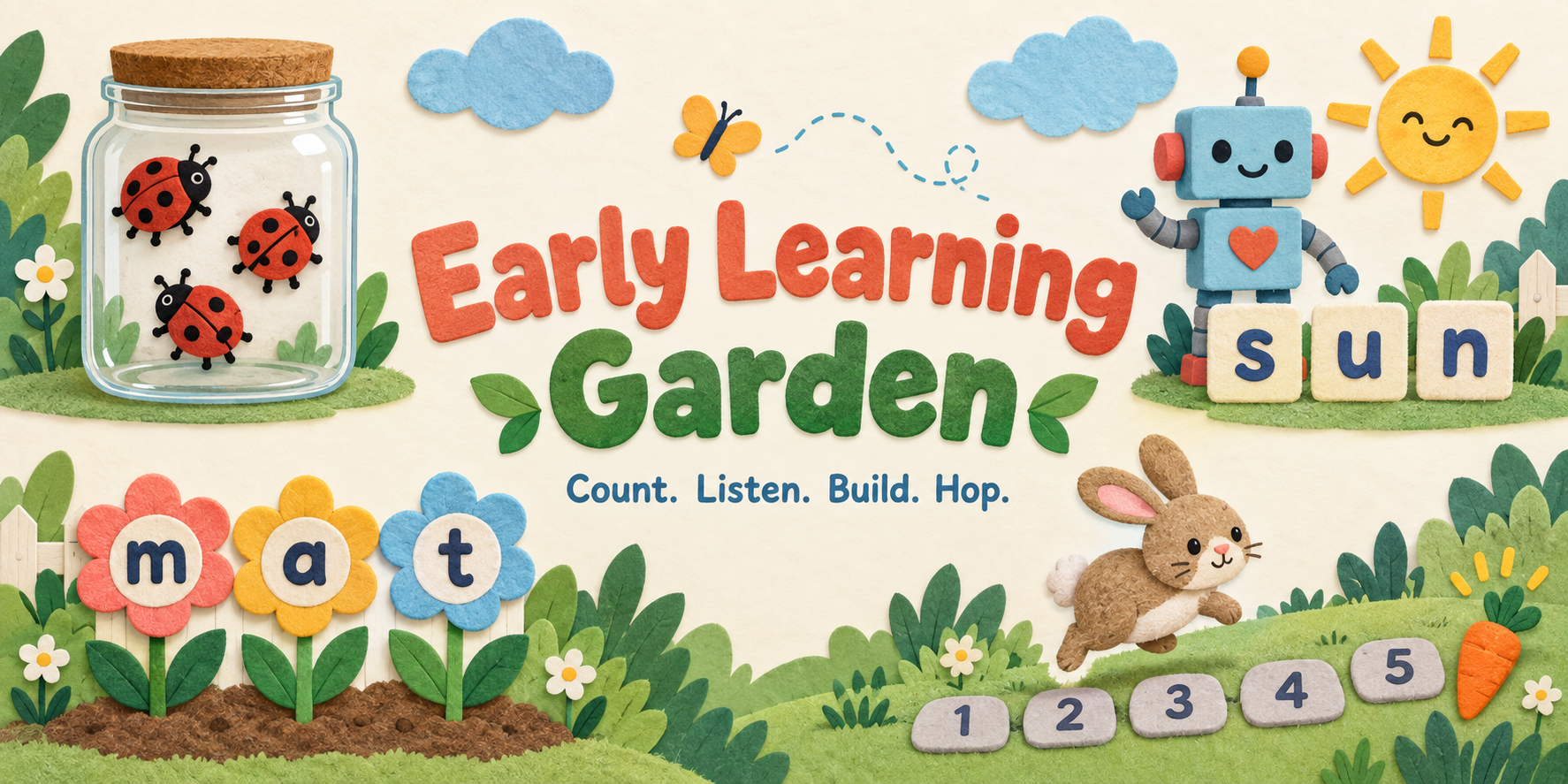
A jar of ladybugs, a robot with a word to say, a garden of letters and a bunny finding its way. Four small games for a child and a grown-up to play together.
No account to play · Local saves · No AI subscription
Spot the ladybugs before the cover comes down. Start with simple patterns, then try scattered groups and clusters up to six. Look again whenever you need.
Move along a word one sound at a time, then choose its picture. Twelve short words, three stages, and a slider that works with touch, mouse or keyboard.
Listen to a modelled sound and choose its letter. Eighteen letters arrive in five waves, with more practice for the ones that need it.
Help the bunny move one space at a time along a numbered path. Later rounds start farther along, so counting does not always begin at one.
Pull up a chair
The games include prompts and guidance, with no prerecorded voice pack. For a letter sound, say the sound shown in Sound and grown-up help, then press Sound modelled, continue. Say the sound, rather than the letter’s name.
You can add your own MP3 recordings from a local folder. An optional local device voice can read ordinary instructions and whole words; it does not model phonemes. Recordings stay on your device and must be selected again after reloading or changing games.
These are original, AI-assisted personal learning games. The stages are design choices, not a validated curriculum or a claim about school readiness.
From a link to a game of your own
Choose a game is the easiest route, especially on a phone. On a computer, you can keep the whole collection for offline play.
You do not need a GitHub account, a terminal, an API key or a subscription.
Keep your progress
Each game saves its own learners and progress in this browser. Use Export this learner’s progress in each game before clearing browser data, moving files or changing browsers. A backup contains the nickname and progress in readable text, so keep it private. Import creates a separate learner.
If browser storage is unavailable, the game says Temporary session. You can still play and export before leaving. Competing tabs preserve the losing attempt for recovery.
The games have no analytics or default cloud connection. Optional cloud saves are included for people hosting their own copy, with adult email sign-in. Choose which learner to attach or restore; once attached and connected, later saves upload automatically. The offline files keep cloud disabled.
Built for me. Yours to adapt.
I built this for me and my personal use. Make it your own, and feel free to improve mine. Hopefully it gives you a useful starting point, or at the very least some ideas. Cheers!
The complete games, content banks, recording tools, design notes, tests and an AI-assistant adaptation skill are on GitHub. This page uses a pinned release of that same public engine.
The MIT license lets you use, change, share or sell your version, keeping the notice. Dependencies keep their own notices. Playing needs no AI service or tokens.