01 · Find dates
A few good options.
Browse weekends, single days or longer stays. Build a shortlist. Optionally check your calendars for conflicts and look back at the same time in earlier years.
Converge · Free & open source
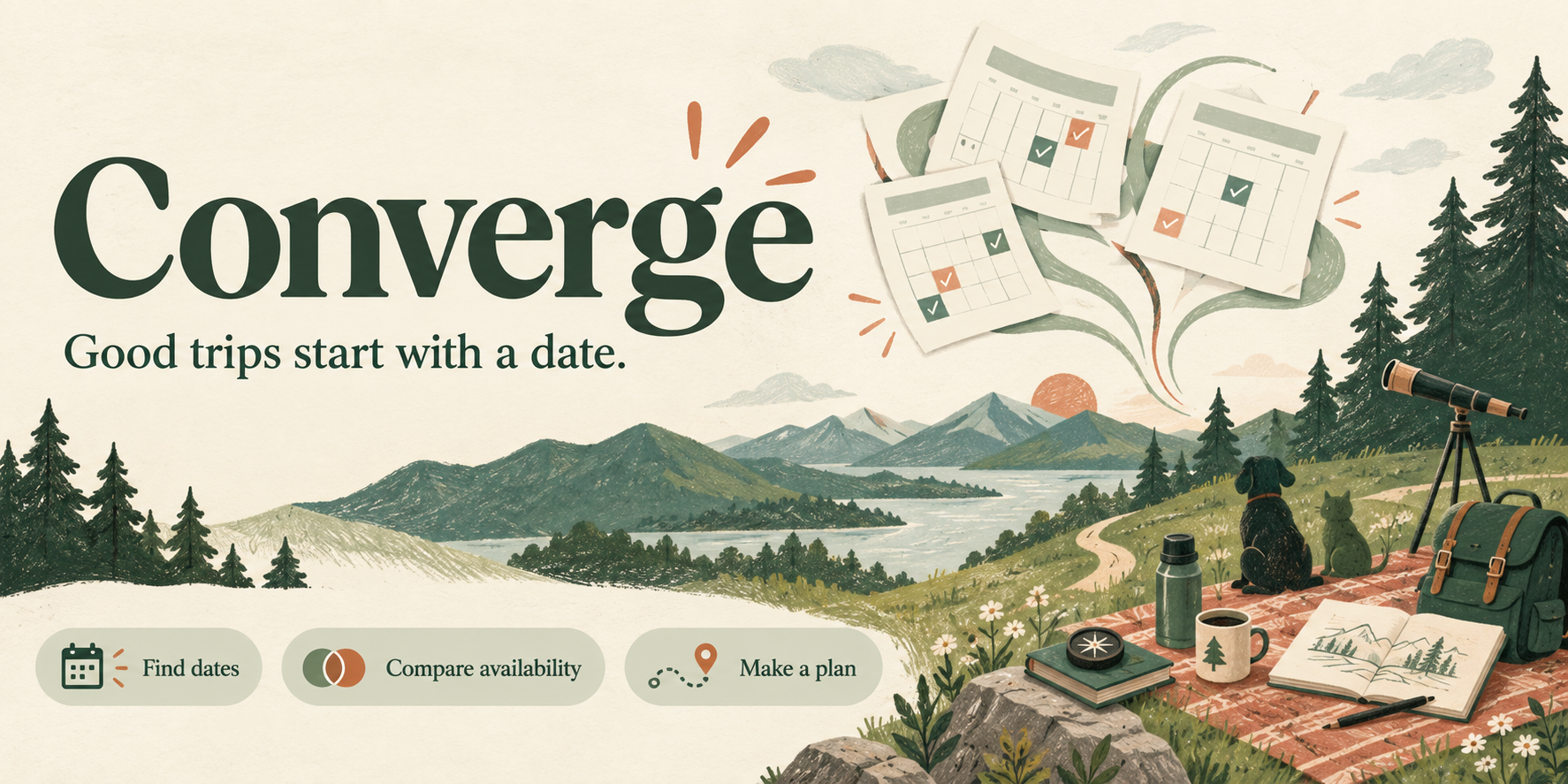
For the trip everyone keeps meaning to take. Find a few good dates, ask your people, and choose the one that works best. A shared plan, with fewer messages to untangle.
Full local demo · No account, keys or AI subscription · Mac, Windows and Linux
01 · Find dates
Browse weekends, single days or longer stays. Build a shortlist. Optionally check your calendars for conflicts and look back at the same time in earlier years.
02 · Ask your people
Available, Maybe, Cannot, or still unanswered, with favorites for the dates people like best. Private return links let guests update their answers without an account.
03 · Make the call
Compare dates side by side, keep track of required people and missing responses, then confirm a date. Download a calendar file or reopen availability when plans change.
The working product
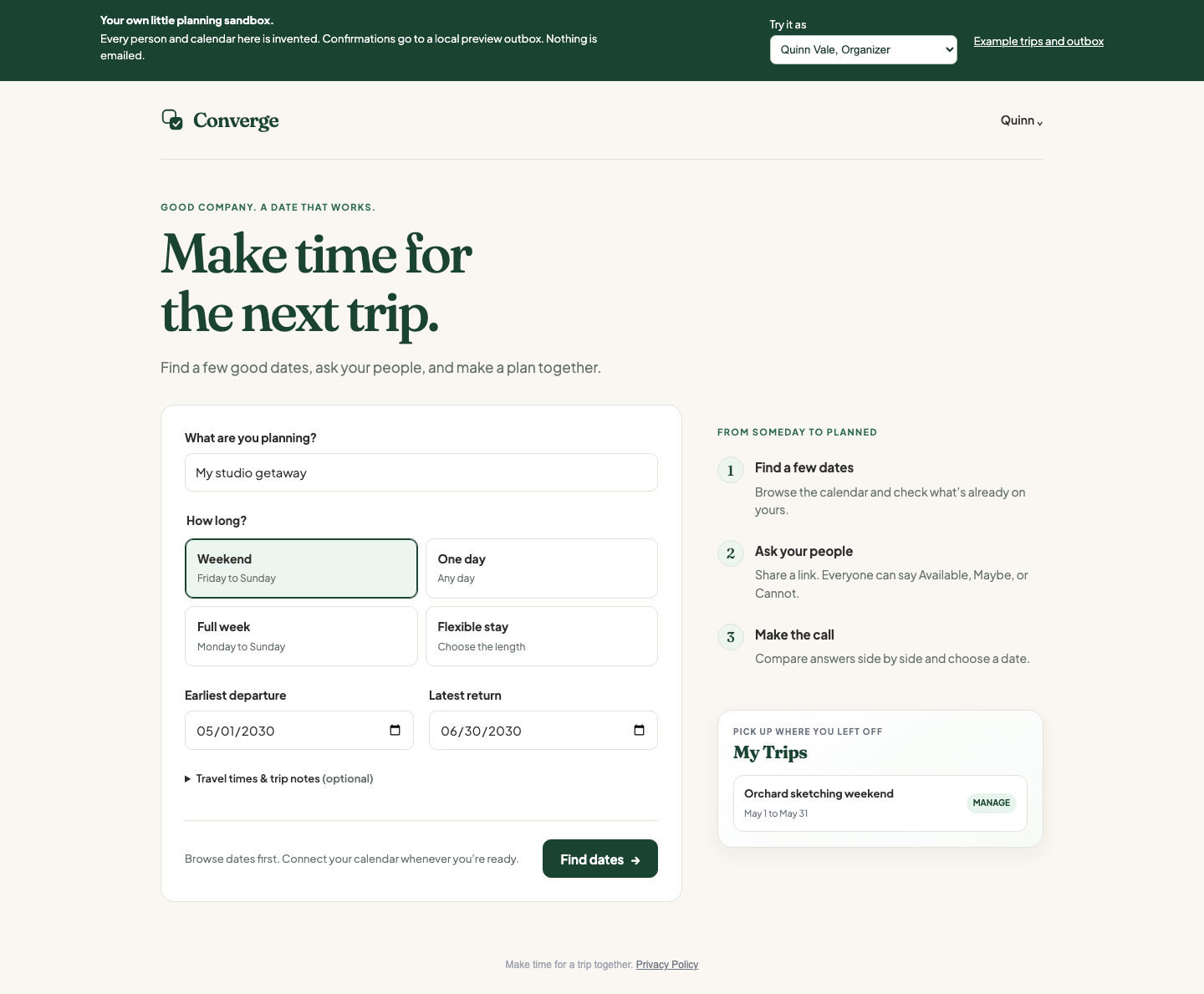
The example starts with an Orchard sketching weekend. Quinn is organizing, Reed and Morgan have answered, and someone is still deciding. Switch among the invented people to see each side of the plan.
Create a trip, check fictional calendars, change an answer and confirm a date. The local outbox shows the actual confirmation message and calendar file. Your changes survive closing and reopening the app.
The demo runs on your computer after installation. It does not email anyone or connect to a cloud service.
A copy you can keep
GitHub hosts the download and source code. You do not need an account there to try Converge. The Start file handles installation and opens your browser.
Built for personal use, shared freely
I built this for me and my own trips. Make it your own, and feel free to improve mine. Hopefully it gives you a useful starting point, or at the very least some ideas. Cheers!
The complete planner, scheduling logic, optional integrations, database migrations and design are included. The code uses the MIT license: use it, change it, share it, sell it. Bundled fonts keep their open font licenses.
For a real group, the hosting guide explains your own Google sign-in and Supabase setup. Calendar checks and email are optional; AI history grouping is separately opt-in. The manual planner does not need AI.
Converge helps choose dates; it does not book travel or write directly to Google Calendar. Calendar inference and AI grouping need human review. A shared trip link reveals the plan and participants' names and answers, while calendar details and contact addresses stay private.