Put a book in the hat.
Collect suggestions, build a shortlist, rate the candidates and compare possible dates. Members can volunteer to host or bring drinks while they vote.
Book Club Manager · Free & open source
A home for the parts of book club that happen between book clubs. Collect suggestions, choose a book and date, find a host, and remember what everyone thought afterward.
Local demo · No account or AI subscription · Mac, Windows and Linux
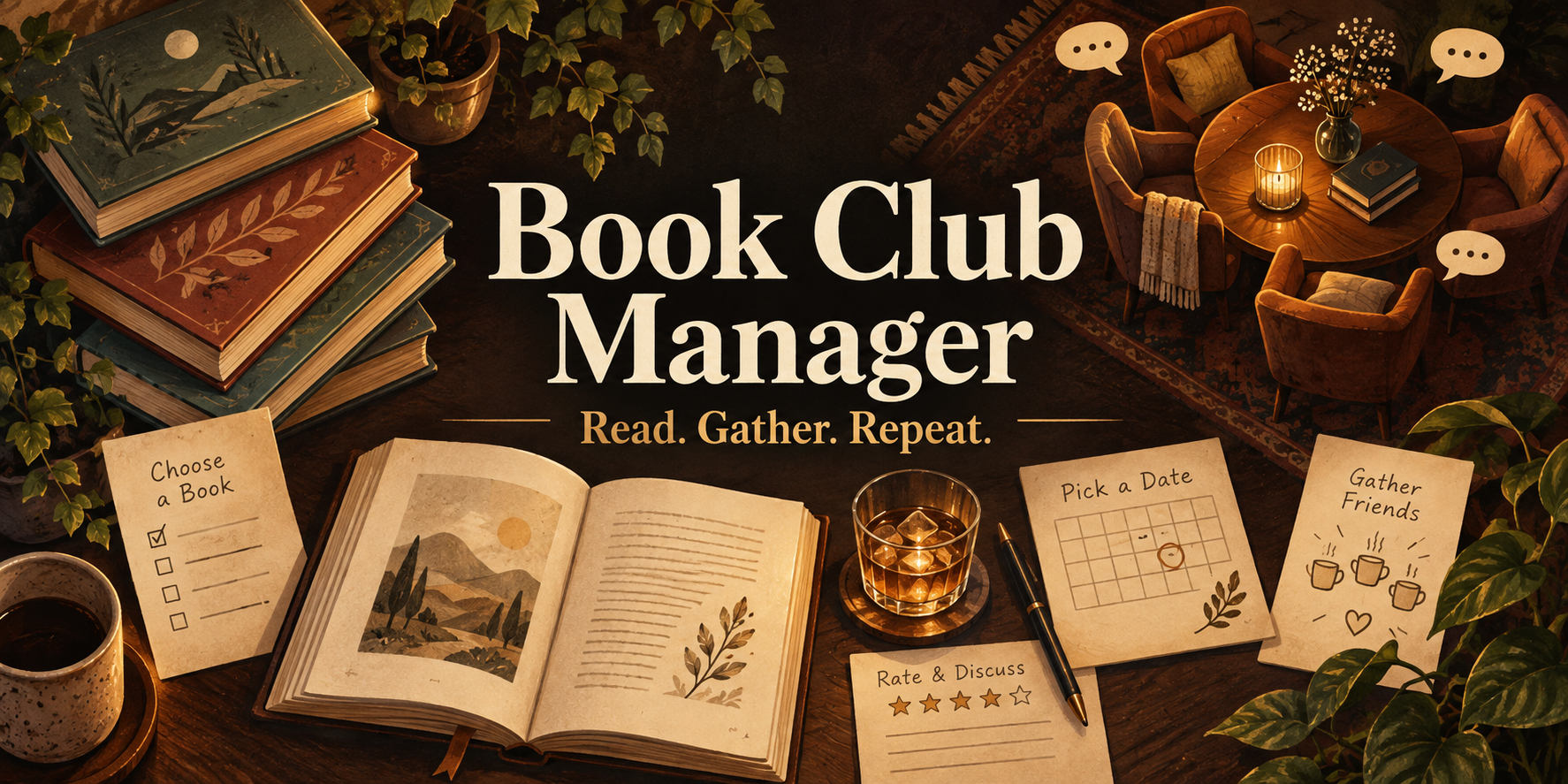
Collect suggestions, build a shortlist, rate the candidates and compare possible dates. Members can volunteer to host or bring drinks while they vote.
Keep the selected book, date, host, drinks and notes together. Organizer tools prepare announcements, reminders and a calendar file for you to review.
A reading history, ratings backlog and shelf of books that nearly won. Member pages collect past suggestions, hosted meetings, goals and annual predictions.
Explore preference forecasts, adapt the monthly assistant skill, or enable optional book-finding AI. Manual suggestions and the local demo work without any paid service.
A full working example
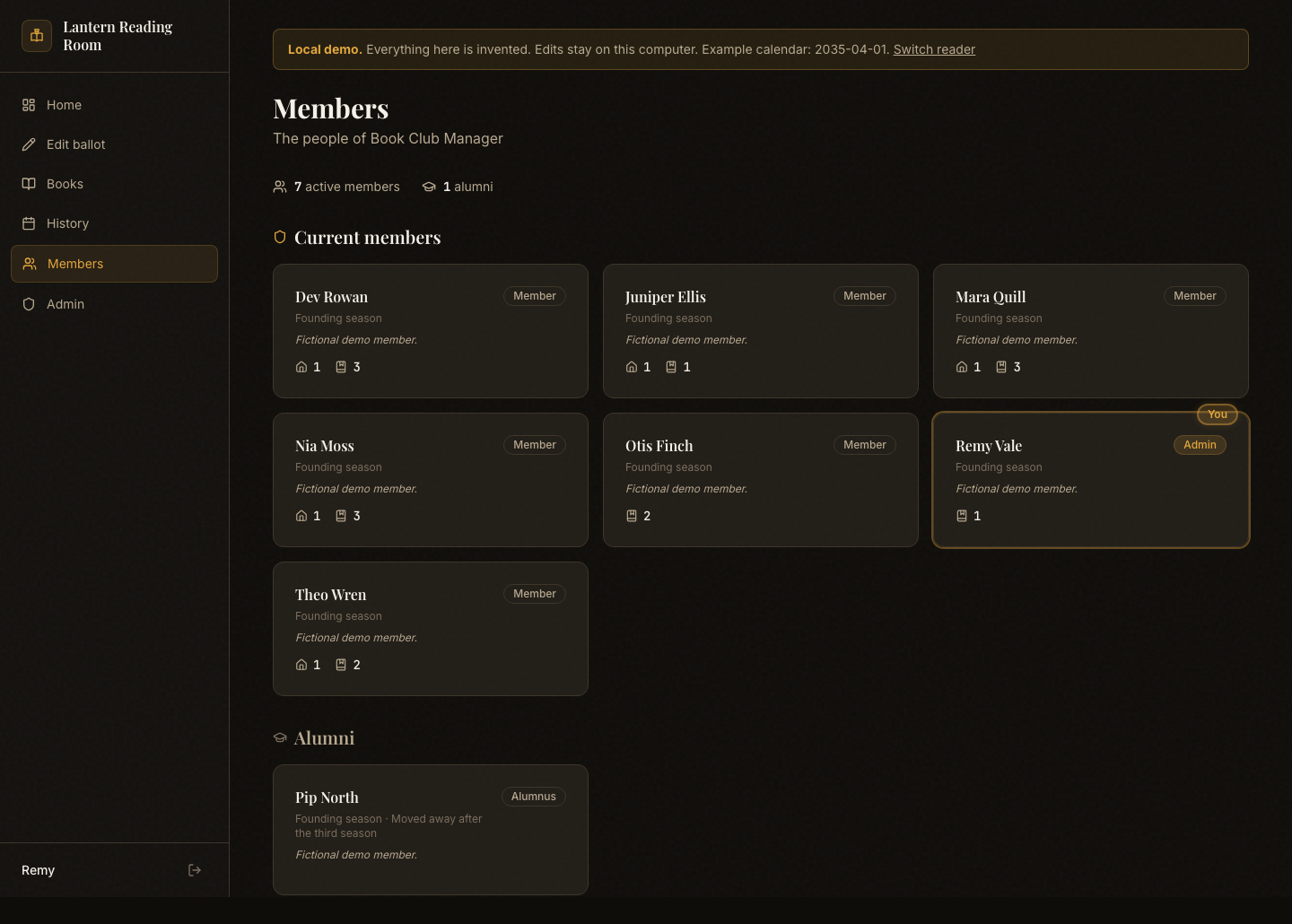
Remy, Juniper and the rest of this fictional club have a reading history, a current ballot and opinions about books that do not exist. Choose an organizer or a member and explore how the app works.
Vote, nominate a book, change a rating or save meeting notes. Your edits stay on your computer and survive a restart. Backup and restore instructions are included.
This page shows the public project. The interactive demo runs on your computer after installation; it is not a shared online club.
From a link to your own copy
Install one small program, download the ZIP, and open the Start file. The first start installs and builds the app. Later starts reuse it.
A personal project, shared
I built this for me and my book club. Make it your own, and feel free to improve mine. Hopefully it gives you a useful starting point, or at the very least some ideas. Cheers!
The complete source, design, organizer routines and assistant skill are included. The code uses the permissive MIT license. Use it, change it, share it, sell it. Bundled fonts retain their open font licenses.
For a real shared club, the hosting guide explains an empty database and individually linked accounts. The local reader picker is for exploring on your own computer.
A few honest boundaries: ballot transitions and forecasts use organizer commands; annual goals and predictions currently have viewing pages; message tools create drafts for you to send. Optional AI requires your own provider configuration.